Network Diagnostic Kit · iPhone & iPad

Where's
the problem?
Know now.

One-tap diagnosis. Visual traceroute. Real speed numbers. Pingta finds exactly where your network breaks.

Free to Download
· iPhone & iPad · iOS 16+
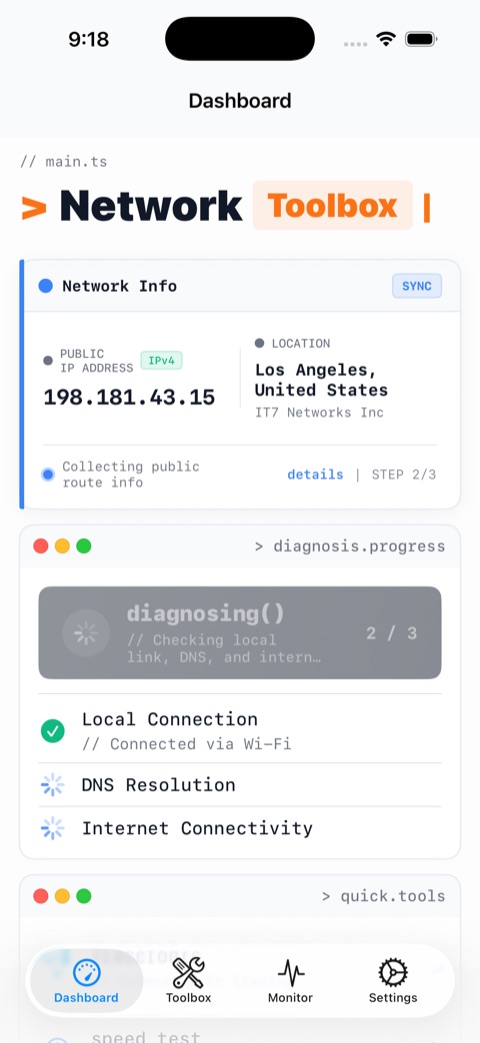
Pingta dashboard – one-tap network diagnosis
Response Time
14ms
● Excellent
Download Speed
285Mbps
↑ Strong signal
Scroll
"My internet is slow."
But where  exactly is it slow?
Pingta tells you.

The full toolkit, in your pocket

From daily checks to deep-dive analysis.

One-tap network diagnosis
One-Tap Diagnosis
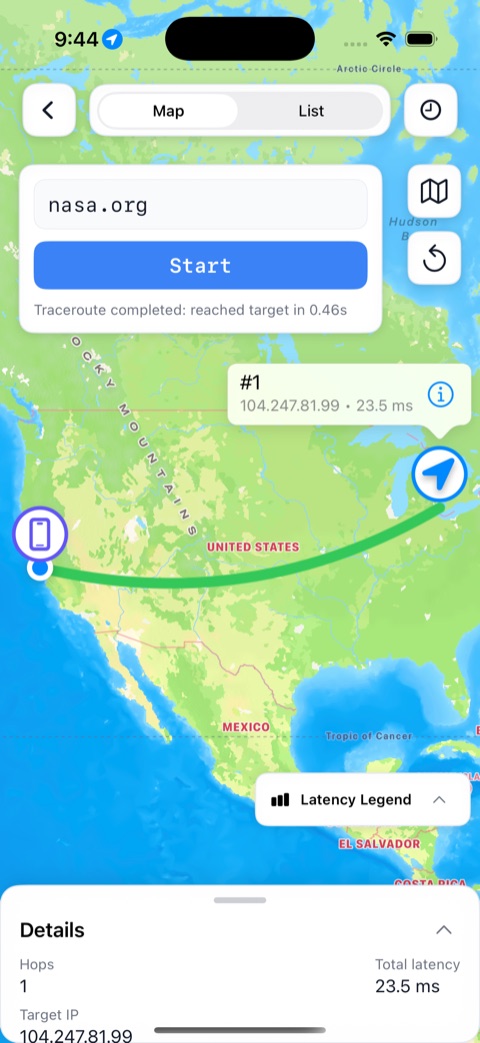
Visual traceroute – hop-by-hop path
Visual Traceroute
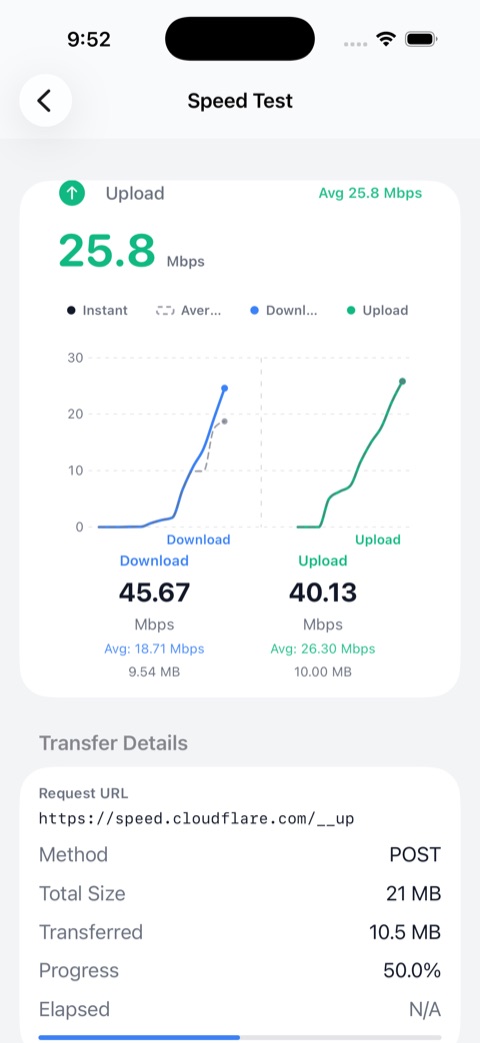
Speed test
Speed Test
Ping monitoring – latency and packet loss
Ping Monitoring
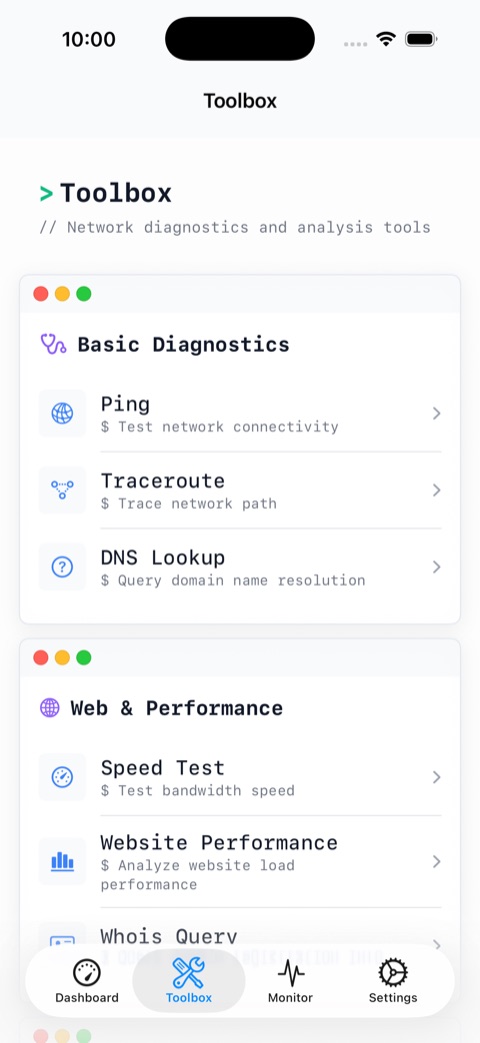
DNS lookup and LAN tools
DNS & LAN Tools

← swipe to explore →

Built to answer every network question

Not a single tool — an entire network lab in your pocket.

One-Tap Diagnosis

Check local connection, gateway response, DNS resolution, and internet reachability — all at once. Know exactly where the chain breaks.

Visual Traceroute

Watch your packets travel hop-by-hop. See every router on the path and instantly spot where latency spikes or the trail goes cold.

Speed Test

Measure download speed, upload speed, and response time. See if your ISP is delivering what you're paying for.

Ping Monitoring

Track latency and packet loss over time. Catch instability before it wrecks your video call or competitive match.

DNS Lookup

Query A, AAAA, MX, TXT, CNAME, and more. Debug resolution failures and verify your DNS config in seconds.

LAN Scanner

Discover every device on your local network. Spot unknown connections and use Wake-on-LAN remotely.

Advanced Utilities

Power tools for when a ping isn't enough. The full arsenal for serious network work.

Whois Lookup Port Scanner HTTP Request IP Lookup Wake-on-LAN + more

Built for everyone with a network

From "why is Netflix buffering?" to deep diagnostic sessions.

Everyday Users

Get a straight answer when the internet feels slow — no technical background needed. One tap, clear results.

IT & Support Teams

Diagnose home and office network issues on-site. Skip the guesswork — go straight to the failing hop or misconfigured DNS.

Developers

Deep network visibility right from your iPhone. HTTP testing, DNS queries, traceroute maps — always at hand.

pingta — diagnosis
$ pingta diagnose
Local interface ··· reachable 0ms
Default gateway · reachable 2ms
DNS resolution · working 18ms
! Internet (hop 6) · high latency 340ms
→ Issue found at ISP backbone. Local network is healthy.
$

Stop guessing.
Start diagnosing.

Free to download. No subscription. No account. Just the answers you need.

Download on the
App Store

Free · iPhone & iPad · iOS 16+